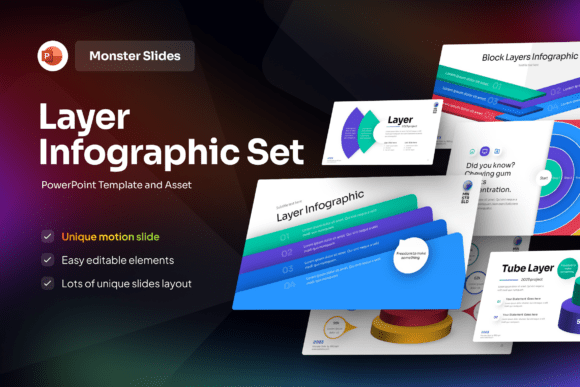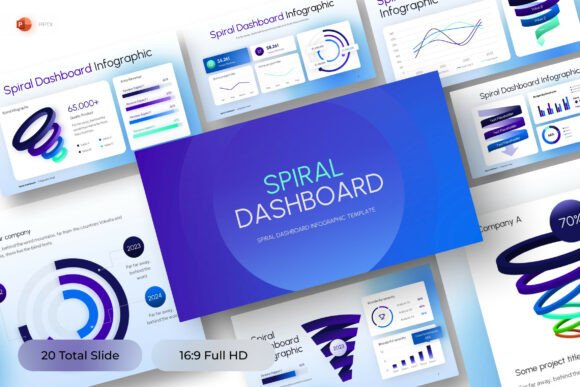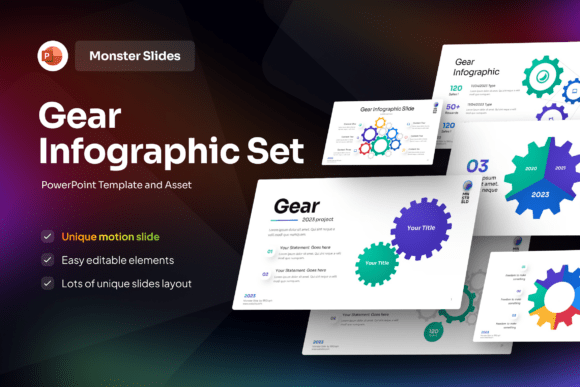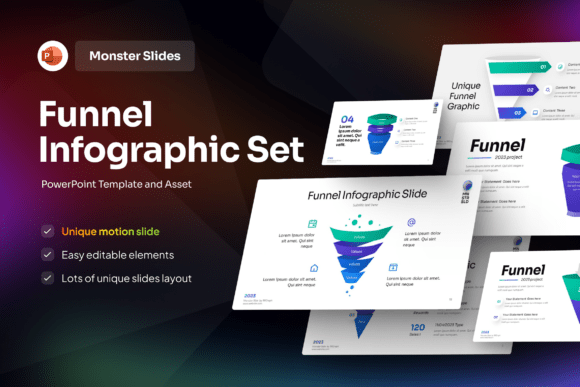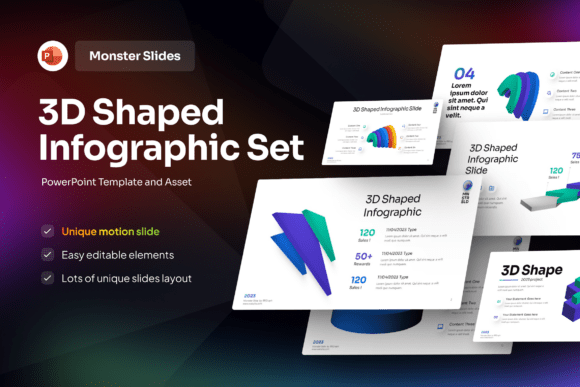
Bring Data to Life with the Monster 3D Shaped Infographic PowerPoint Template
Presenting complex ideas doesn’t have to mean stacking bullet points or drowning your audience in dense charts. Today’s viewers—whether students, clients, or internal stakeholders—respond best to visuals that spark curiosity *and* clarify meaning. That’s where the Monster 3D Shaped Infographic PowerPoint Template stands out: it’s not just another slide deck—it’s a storytelling engine disguised as a design tool.
Why “Monster” Isn’t Just for Halloween
The word “monster” might evoke cartoonish claws or exaggerated grins—but in this context, it signals something more strategic: boldness, personality, and visual distinction. Unlike generic 3D Shape Infographic PowerPoint Templates that rely on neutral cubes, spheres, or pyramids, this version uses stylized, friendly-monster forms—think smiling data tanks, chart-holding creatures, or progress-trackers shaped like cheerful dragons—to represent concepts like growth, comparison, timelines, or hierarchy.
This isn’t about gimmicks. It’s about cognitive ease. Research shows that when abstract information is anchored to relatable, emotionally resonant shapes—even playful ones—the brain processes and retains it faster. A monster-shaped bar graph doesn’t distract; it directs attention. A pie chart built into a character’s face doesn’t trivialize data—it makes segmentation instantly legible.
Designed for Real Workflows—Not Just Pretty Slides
What sets this template apart isn’t just its aesthetic—it’s how thoughtfully it integrates into actual presentation workflows. With 16 fully editable slides, you get coverage for common needs without overcomplicating things: title pages, process flows, team structures, KPI dashboards, before/after comparisons, and even interactive-style “click-to-reveal” concept maps (achieved through layered animations).
Every element is vector-based and built natively in PowerPoint—no external plugins or design software required. That means:
- You can change colors in one click using the built-in color palette—no hunting through grouped objects.
- Text boxes scale cleanly with font size, and the included free font ensures consistency across devices.
- Icons, characters, and 3D shapes are ungrouped by default—so swapping a “growth monster” for a “risk monster” takes seconds, not minutes.
- The 16:9 widescreen ratio matches modern projectors, laptops, and Zoom share screens—no awkward cropping or letterboxing.
No need to wrestle with opacity masks or perspective grids. If you’ve ever spent 20 minutes trying to align a 3D arrow in PowerPoint only to realize it’s actually three flattened shapes stacked incorrectly—you’ll appreciate how much time this template saves.
Where This Template Delivers the Most Value
Certain use cases benefit disproportionately from this kind of visual language. Here’s where users consistently report stronger engagement and clearer outcomes:
Educational Projects & Student Presentations
Teachers building lesson recaps or students presenting science fair findings find the Monster 3D Shaped Infographic PowerPoint Template especially useful. A food chain diagram becomes a row of interconnected critters. A historical timeline turns into a path walked by era-themed monsters. The playfulness lowers resistance to learning—without sacrificing accuracy.
Creative Agencies & Marketing Campaigns
When pitching brand strategies or campaign analytics, standing out matters. Clients remember the presenter who turned ROI metrics into a “treasure hoard monster” with gold coins representing revenue streams—and forget the one who showed a standard waterfall chart. This template gives creatives a professional yet distinctive visual voice, especially for Gen Z or millennial audiences who value authenticity and wit.
Innovative Reports & Internal Storytelling
Internal reports often suffer from low readership—not because the insights aren’t valuable, but because the delivery feels like homework. Teams at tech startups, sustainability initiatives, or product development groups use these slides to frame quarterly goals (“The Growth Golem”), user feedback themes (“The Voice Vortex Monster”), or roadmap milestones (“The Quest Map”). It transforms dry updates into shared narratives.
Customization Without Compromise
“Fully editable” sounds great in theory—but many templates promise flexibility while hiding traps: locked layers, embedded raster images, or fonts that break on Macs. This one avoids those pitfalls deliberately.
All illustrations are built with native PowerPoint shapes and effects—no PNGs masquerading as vectors. That means you can adjust lighting angles, add shadows, tweak gradients, or even convert any monster shape into a flat 2D icon if your brand guidelines require subtlety. The help guide included in the package walks through each customization scenario—not just “how to edit text,” but “how to replace the entire monster motif while preserving animation timing.”
And yes—all image stocks are excluded, which is actually a benefit. It prevents accidental copyright exposure and encourages intentional asset selection. You bring your own photos, logos, or branded icons, and the template adapts seamlessly.
Practical Tips Before You Start Building
Even the best template works best when used intentionally. Here’s what experienced users recommend:
- Start with structure, not style. Draft your core message and flow first. Then assign monster shapes based on function—not just what looks coolest. A “shield monster” works well for risk mitigation; a “bridge monster” fits collaboration themes.
- Leverage contrast wisely. The template’s vibrant palette is versatile—but avoid pairing high-saturation background fills with equally bright monster outlines. Use the light/dark mode suggestions in the help guide to maintain readability.
- Don’t over-animate. Subtle entrance effects (like “float in” or “zoom”) reinforce transitions. But spinning, bouncing, or flashing monsters dilute impact. Let the design do the work.
- Test on real devices. Preview slides on both Windows and macOS, and check how they render in exported PDFs or via screen-sharing tools. The template is optimized—but variables like font substitution still happen.
More Than a Template—A Visual Strategy Shift
Choosing the Monster 3D Shaped Infographic PowerPoint Template isn’t just about picking a new look. It reflects a shift toward human-centered communication—where clarity, connection, and recall all begin with intentionality in design. It meets people where they are: scrolling fast, skimming deeply, remembering feelings before facts.
That’s why educators reach for it before parent-teacher conferences. Why marketing teams embed it into pitch decks before investor meetings. Why innovation labs use it to visualize sprint retrospectives—not because it’s “fun,” but because it’s functional.
And while there are dozens of 3D Shape Infographic PowerPoint Templates on the market, few balance whimsy with professionalism so deliberately—or support real-world editing so transparently. You’re not buying slides. You’re investing in faster comprehension, higher retention, and presentations that don’t just inform—they resonate.